
Smart Property Support
Smart access and comfort, included with Host Sidecar.
We connect compatible smart access and thermostat equipment to the property’s operating system, so guest access, arrival comfort, and between-stay settings follow each reservation at the right time.
Included with your Host Sidecar subscription: configuration, automations, and ongoing system support. You supply compatible equipment.
What Smart Property includes
Two connected systems. Fewer manual steps.
Smart Access
Guest codes and access timing follow reservations in Hospitable—reducing manual code work and making arrivals easier to prepare.
Smart Thermostat
Arrival comfort and between-stay settings follow the reservation calendar—helping the property feel ready while avoiding unnecessary runtime.
Configured for your property. Kept current as the operation changes.
Smart Access
Secure arrivals, without the manual setup.
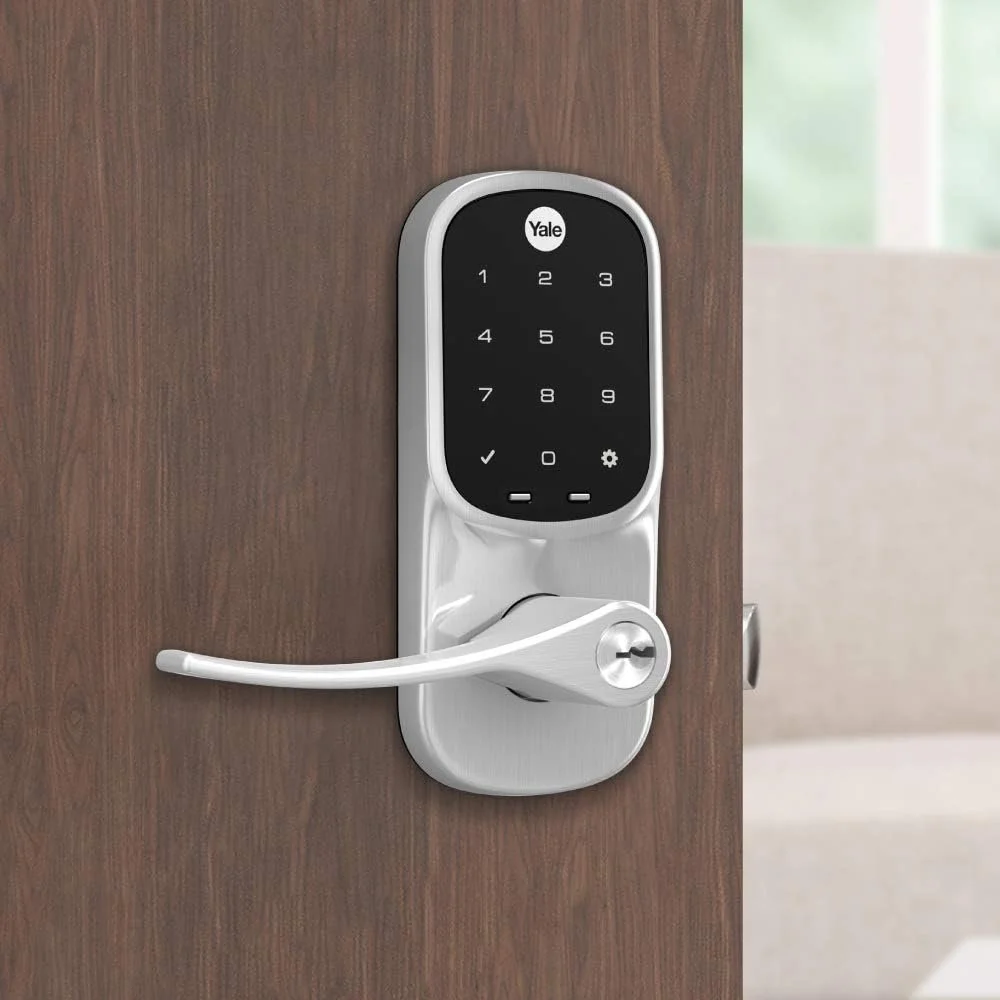
A compatible smart lock can follow the reservation: a guest code is created for the stay, programmed into the lock, shared in check-in instructions at the right time, and closed out when the reservation ends. That means fewer key handoffs and less manual code work.
Each booking creates its own code.
For a compatible, configured lock, the system automatically generates a guest code for the reservation and programs it into the lock.
Check-in instructions carry the code.
The guest’s code is included automatically in property-specific check-in instructions at the time set for the stay.
First use is visible.
A notification can confirm when a guest first uses their code, giving the right person useful arrival context without manual checking.
Battery issues surface sooner.
Low-battery notifications help the right person address a simple maintenance item before it affects a guest.

See how these smart-lock settings work
This example shows how Host Sidecar can configure reservation-based guest access through Hospitable and a compatible smart lock.
- Guest code format: the code can be randomly generated or based on the guest’s phone number. For Airbnb reservations with four-digit codes, the phone-number option uses the guest’s last four digits when available. If that code cannot be used, the system can use a fallback code instead.
- Automatic guest communication: the reservation’s exact smart-lock code is inserted into the scheduled check-in instructions, so the guest receives the working code assigned to their stay.
- Access timing: you choose how long before check-in a code becomes active and how long after checkout it remains active. The example shown uses one hour before check-in and two hours after checkout.
- Low-battery warning: set a per-lock battery threshold—for example, 20%—so the selected user receives a push or email notification before a battery issue affects an arrival.
- First-code-use notification: for compatible lock integrations, a push or email notification can let the selected user know when a guest’s code is used for the first time, providing a useful arrival signal.
Included with Host Sidecar
Set the rules once. Let each stay follow them.
We configure the code format, access timing, guest communication, and property notifications around the way you want the property to work. Each reservation can then follow those rules automatically.



Smart-lock examples shown: Yale, Schlage, and August.
Setup and ongoing support are included with Host Sidecar. You provide an installed, compatible smart lock; we configure and support the connected system around it. Available features depend on the specific lock model and hosting setup. If you need installation help, we’re happy to point you toward a qualified local option.
Smart Thermostat
Comfortable arrivals. Smarter settings between stays.
A compatible thermostat can follow the reservation schedule: moving toward your preferred arrival temperature before check-in, then returning to your between-stay settings after checkout.
Your settings, timed around the stay
You choose the temperatures, timing, and limits that make sense for your property.
Ready for arrival.
A reservation-based routine moves the thermostat toward your chosen guest-ready temperature before check-in.
Smarter between stays.
After checkout, the thermostat can return to your preferred between-stay setting before preparing again for the next arrival.
Your property rules.
You set the comfort ranges, timing, and limits for your home, climate, and guest experience.
Less manual adjustment.
The schedule follows each stay, reducing one more recurring task to remember while keeping you in control of the settings.
Included with Host Sidecar
Your comfort rules. A routine that follows them.
Smart Thermostat setup and ongoing support are included with Host Sidecar. With compatible customer-supplied equipment, we configure reservation-based routines while you remain in control of the settings.




Smart thermostat examples shown: ecobee, Honeywell, Sensi, and Google Nest.
You provide compatible thermostat equipment. Compatibility and available automation features depend on the specific device and property setup.
Free Revenue & SEO Report
Find more revenue in the property you already have.
Your free report identifies opportunities to strengthen search visibility, booking confidence, and the guest journey. It can also show where a smarter property setup—such as connected access or climate control—could make the stay easier to choose, run, and protect.