Summary
- Connected AI can compare authorized property records and surface patterns that are hard to spot manually.
- Use those patterns to review booking gaps, strengthen listing copy, and resolve recurring guest friction.
- Start read-only, inspect the evidence, and keep decisions with the people who know the property.
AI has been marketed as though every co-host needs a chatbot, a robot guest concierge, and a dozen new dashboards.
You do not.
The useful question is not whether AI can write a message. It is what changes when an authorized AI tool can access the operational context you already manage: property details, reservations, calendars, prices, guest messages, reviews, tasks, and alerts.
For many co-hosts, that context lives in a property-management system connected to channels such as Airbnb and Vrbo. Connected AI can help organize that information, compare it, and surface patterns that are otherwise hard to see. You remain the person who decides what changes.
This is the no-hype approach: use AI to improve your co-hosting judgment, not to replace it.
What a connected AI workflow changes
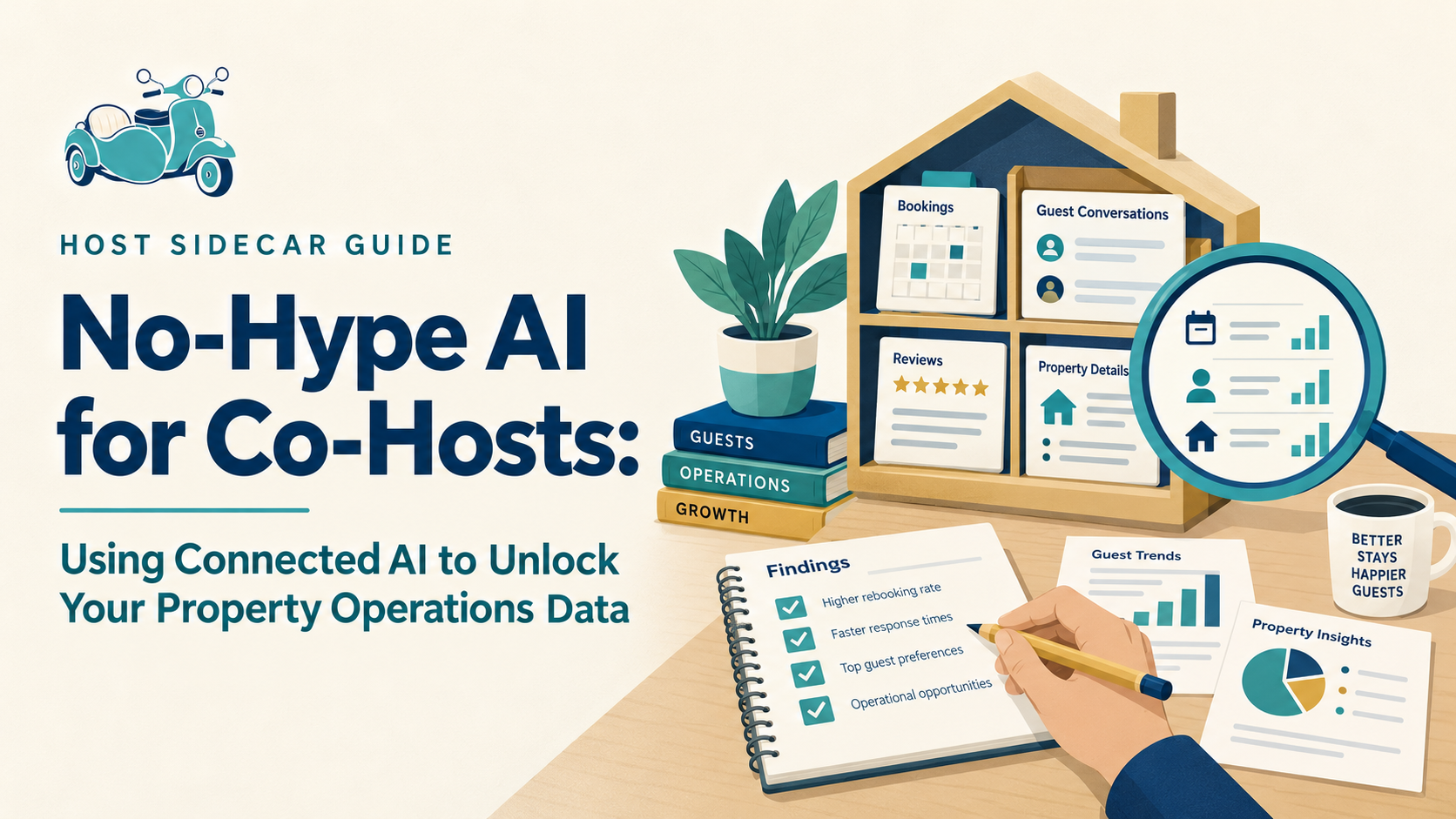
A connected AI tool can work from the authorized information already flowing through your operating system, rather than relying on generic internet advice or manually copied screenshots.
Hospitable offers an official Model Context Protocol (MCP) connection. Available tools and records depend on your account, permissions, and the connection in use. In plain English, an MCP connection can allow an authorized AI tool to retrieve and reason over information you already have permission to access—without manually pasting it into a chat.
That does not mean connecting every AI tool to every part of your account. It means starting with one read-only question, using only the information needed to answer it, and reviewing the result yourself.
The best use of AI is not automatic operation. It is better visibility.
First: make sure the foundation is configured
AI cannot repair a PMS with incomplete property details, inconsistent messages, disconnected tasks, or unclear calendar rules.
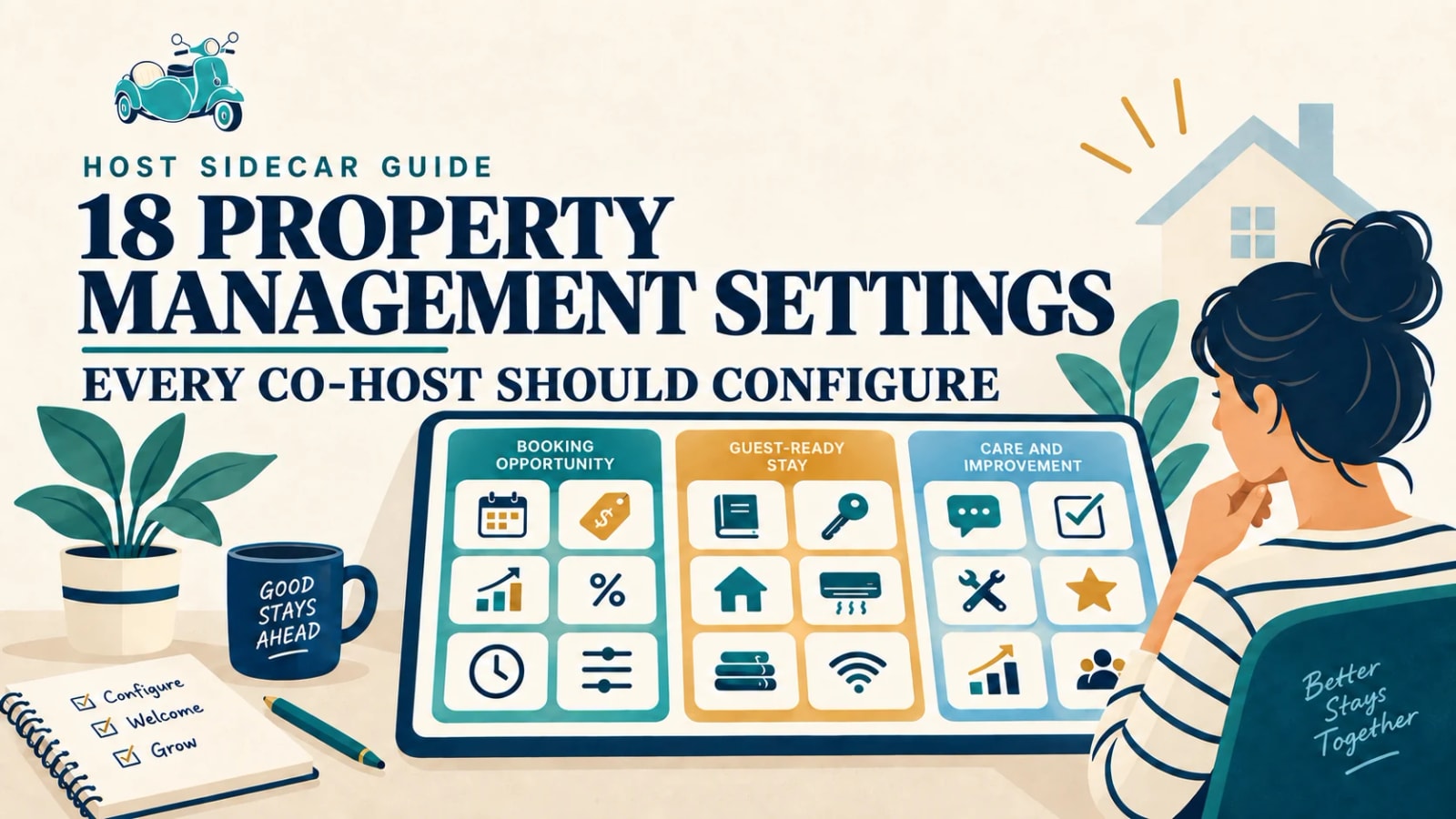
Start with the 18 PMS settings every co-host should configure. Then use connected AI to make the information flowing through that system more useful.
The right division of labor
AI is good at:
- comparing reservations, messages, reviews, and calendar patterns quickly;
- grouping recurring themes while retaining the exact examples behind them;
- turning raw operational notes into a structured improvement list;
- drafting property-specific copy, checklists, and analysis for human review.
You are still better positioned to:
- decide whether a guest issue needs recovery, compensation, or a personal response;
- know when a pricing recommendation does not fit an owner goal or local event;
- protect the hospitality voice, standards, and local relationships behind the property;
- approve anything that sends a real message, changes a live price, or affects a guest.
Use reservation and calendar patterns to improve pricing decisions
Most co-hosts can see a calendar. Fewer can quickly compare the right periods across years: booking pace, lead time, achieved nightly rate, stay length, gaps, cancellations, and the nights that were most valuable to protect.
With authorized access to that operating data, AI can help organize useful questions:
- Which weeks booked earlier than last year?
- Which dates produced the strongest rates and should not be broken by weak stay patterns?
- Where did a cancellation create a gap that went unfilled?
- Did minimum-stay rules help or prevent the type of booking you wanted?
- What changed after an event, listing change, or pricing adjustment?
The output should not be “raise prices everywhere.” It should be a short, explainable strategy: protect these dates, watch these booking windows, open these gaps under these conditions, and review these exceptions.
Use recurring guest questions to improve the stay
Guest messages are a running usability test for your property.
One guest asking how to park may be normal. Ten guests asking a version of the same question is a signal. The problem may be the listing, check-in guide, photo sequence, lock instructions, physical signage, or timing of a message.
Connected AI can group questions into recurring themes such as:
- parking, gates, and arrival directions;
- access-code or smart-lock confusion;
- A/C, Wi-Fi, TV, appliances, and house systems;
- checkout expectations;
- missing or hard-to-find local information.
The valuable output is a ranked improvement list with representative examples—not a generic summary. You then decide whether the solution belongs in the listing, guide, automated message, property itself, or local-team process.
Use your best reviews to strengthen the listing
Guests often describe the most compelling parts of a property more clearly than an owner or co-host does. They tell you what felt easy, memorable, useful, beautiful, convenient, or unexpectedly thoughtful.
AI can identify repeated positive themes in review language, such as:
- a walkable location guests mention again and again;
- a calm, well-equipped workspace;
- a comfortable bed or exceptionally smooth arrival;
- clear instructions that removed travel stress;
- a courtyard, view, parking convenience, or neighborhood detail that makes the stay distinct.
Those patterns can improve the listing description, image captions, amenity emphasis, and guest guide. See how guest feedback can strengthen your listing’s signals. More importantly, they can help attract guests who are naturally drawn to what the property already does well.
Clearer expectations can bring a better guest fit, which can lead to better stays, stronger reviews, and better evidence for the next listing improvement.
Turn operating friction into a real task list
The details that cause trouble are often scattered across messages, task notes, alerts, and memory. AI can surface patterns too small to get a meeting of their own:
- a lock battery that keeps appearing as an issue;
- a cleaner handoff that repeatedly runs late;
- an appliance question that follows the same message sequence;
- a checkout instruction people misunderstand;
- a maintenance note that has not been resolved.
Give AI the job of categorizing, counting, and summarizing the evidence. Give a human the job of deciding the response, assigning the work, and confirming it is fixed.
Prepare better owner and team conversations
AI can turn a month of operating data into a concise briefing: what changed, what is working, what is repeating, and what deserves a decision.
That can make an owner update more useful than a pile of screenshots. It can also help you enter a vendor, cleaner, or team conversation with examples and a clear desired outcome.
The question becomes less “what happened this month?” and more “what should we improve next?”
A sensible first connected-AI workflow
Start small and read-only.
- Choose one property and one question, such as: “What do guests most often ask before arrival?”
- Give AI only the authorized information needed to answer it.
- Ask it to group themes, show counts, and retain representative examples.
- Review the result yourself.
- Make one practical improvement.
- Watch whether the question, friction, or outcome changes over the next group of stays.
This is not flashy. It is how you build a real operating advantage.
The no-hype rule: never let AI become an unreviewed operating layer
Do not let a generic prompt make pricing decisions, send sensitive guest messages, approve refunds, or change live operations without the right review and authority.
Use AI to see more clearly. Use your knowledge of the property, guest, owner, team, and market to decide what happens next.
Need help turning property operations data into better decisions?
Host Sidecar helps co-hosts configure the PMS foundation first, then use the operating signals inside it to find clearer revenue, guest-experience, and workflow opportunities. It is practical work, not AI theater.
If you want a second set of eyes on your property, calendar, listing signals, and next priorities, start with a free Booking Opportunity Report. Choose the connected report for deeper operating insights, or a public-listing Property Review if you prefer not to connect your account.